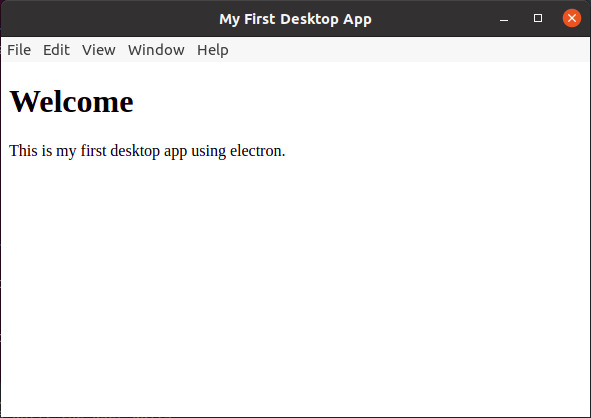
Electron is a good application building platform for Desktops (Windows, Mac & Linux). It is very easy to access local PC resources like camera in a simple local HTML file.
In this main.js file we created a electron browser and load simple java script file preload.js to access camera stream and passed to html5 video element.
main.js
const {app, BrowserWindow} = require('electron');
const path = require('path');

let mainWindow;

// This method will be called when Electron has done everything
// initialization and ready for creating browser windows.
app.on('ready', function() {
  // Create the browser window.
  mainWindow = new BrowserWindow({
    width: 800,
    height: 600,
    webPreferences: {
      preload: path.join(__dirname, "preload.js")
    }
  });

  // and load the index.html of the app.
  mainWindow.loadFile('index.html');

  // Emitted when the window is closed.
  mainWindow.on('closed', function() {
    // Dereference the window object, usually you would store windows
    // in an array if your app supports multi windows, this is the time
    // when you should delete the corresponding element.
    mainWindow = null;
  });
});


// Quit when all windows are closed.
app.on('window-all-closed', function() {
  if (process.platform != 'darwin')
    app.quit();
});
preload.js
navigator.mediaDevices.getUserMedia({video: true})
  .then(function(stream) {
    document.getElementById('camera').srcObject = stream;
  }).catch(function() {
    alert('could not connect stream');
  });
Download full source from here https://github.com/lahirutm/Electron-Camera-Access and run
npm install
to install dependencies and libraries.
then
npm start
to run the sample. Then you camera stream will display in the desktop app made using Electron.